These statistics show how much potential the story feature encompasses on Instagram and creates a sense of motivation for you to post more and more stories on Instagram.
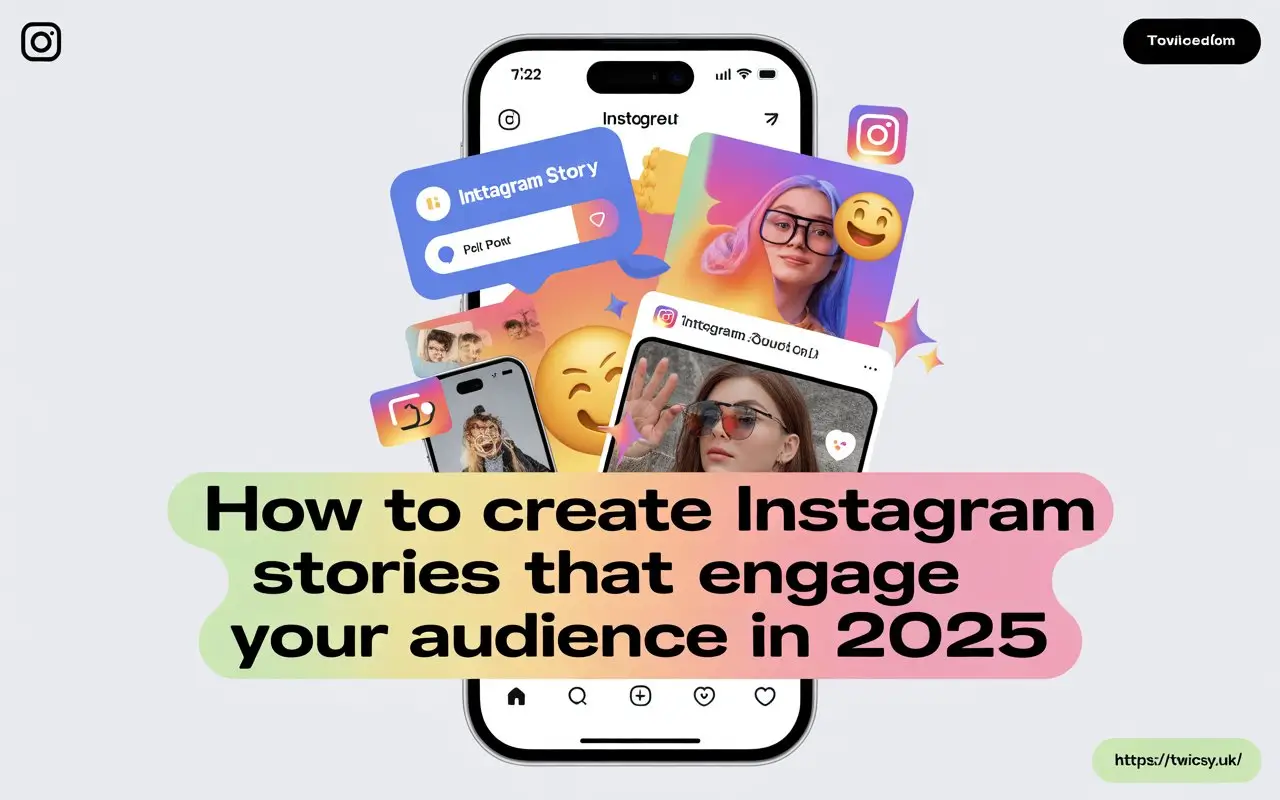
Keeping the challenges you can face while using the Instagram story feature, we have created a guide which will help you to craft stories that'll help you engage your audience in 2025.
Let's dig in!
Why Should You Create Instagram Stories for Engagement?
Instagram stories have an ephemeral lifespan of just 24 hours on Instagram, but even 24 seconds are enough to create an impact on the platform.
Numerous brands around the world are using IG stories to increase their brand awareness, promote newly launched products and outperform their competitors on the platform.
Brands including Burberry, Adidas and Nike use the Instagram Stories feature on a daily basis to showcase and promote their products.
The primary purpose of using these stories is mainly engaging with audiences and creating a community of their own on Instagram.
The dynamics on Instagram are changing day by day, especially after the AI takeover, but the foundations remain the same — people are still engaging with stories.
How to Design Instagram Stories That Drive Engagement
Designing your Instagram stories in such a way that they hook audiences is important because this is how you will see an increase in story views, reactions and responses.
Understand Instagram and Your Audience
It's really important to understand the dynamics of Instagram and then your audience because both are interconnected and somewhat intertwined.
Instagram is:
- A Gen Z platform as 76% of 18 to 29 year olds use Instagram daily.
- Ideal for reel creation as short-form videos drive the highest engagement.
- A platform where posting stories, reels and posts consistently can help increase engagement.
Now is the time to understand your audience on Instagram, including their likes, dislikes and content preferences.
If your audience is Gen Z and you are a brand, you should tailor your content and stories to their specific interests. For example, ask yourself: "How does Gen Z view this product?"
It is indispensable to understand your audience because without doing this, you won't be able to craft attractive stories that drive real interactions.
Use Visuals to Capture Attention
Instagram is a visual platform. If your stories are not aesthetic or visually appealing, your chances of reaching more users decrease significantly.
Even before establishing yourself as a brand on Instagram, it is important to establish your profile as an engaging user account.
Publish stories that are:
- High-quality and visually appealing.
- Interactive and storytelling-focused.
- Consistent with your brand colours and fonts.
- Designed using tools such as Canva or similar platforms.
By implementing these visual techniques, you can create compelling stories for your viewers.
Use All Instagram Story Features
Instagram offers a variety of features not only for posts and reels but also for stories.
Exploring these features can help you create more engaging and visually appealing stories.
The Effects Feature
If you want to make your story more visually appealing, you should definitely explore Instagram effects.
Instagram offers multiple effects for images and videos that can help make your content more attractive to viewers.
These effects can be used according to your mood, emotions and the overall vibe of your content.
Add Text to Your Stories
Images and videos often speak for themselves, but sometimes text becomes necessary to communicate your message.
Instagram offers multiple font styles and colour options that can help enhance your stories.
The text section also includes animation and transition effects that can be used creatively.
Among these text features, it is highly recommended to use hashtags whenever you post a story.
Location and event hashtags can increase the discoverability of your profile and stories.
Don't Forget Audio
Using the right audio can help your stories reach more audiences and improve engagement.
Instagram offers a huge library of songs and sounds that you can use in your stories.
Explore the audio section before posting and select music that matches your content.
Draw and Save
The draw feature allows you to add personalised illustrations and annotations to your stories.
Instagram also allows you to save your stories either as drafts or directly to your device gallery for future use.
Instagram Story Comments
Instagram story comments were launched in September 2024 and provide another way to engage directly with your audience.
To use this feature, both accounts generally need to follow each other. You can also disable comments whenever needed.
Stickers in Instagram Stories
Stickers are among the most widely used features in Instagram stories and help create fun and interactive experiences.
Whether you are looking for GIFs or animated stickers, Instagram offers countless options.
Some useful sticker ideas include:
- Use cutouts to add extra product images or visual elements.
- Use the frame sticker to reveal images through interaction.
- Add links to blogs, websites and articles.
- Use location stickers to highlight your location.
- Create AI-generated avatars using Instagram's AI features.
Explore these and many other sticker options to make your stories more interactive.
Interactive Stickers You Should Use
This section is especially important for creators and businesses looking to increase engagement through stories.
Poll Stickers
Polls are one of the easiest ways to interact with your audience.
You can create simple "This or That" polls to encourage participation and collect opinions.
Quiz Stickers
Quiz stickers spark curiosity and encourage users to engage directly with your stories.
They are particularly useful for entertainment, education and brand engagement.
Question Stickers
Question stickers allow you to ask direct questions and gather responses from your audience.
This can help strengthen relationships and improve audience interaction.
Emoji Sliders
Emoji sliders are an excellent way to collect quick feedback from your audience.
Users simply move the slider to indicate how strongly they feel about a topic.
Use Insights to Monitor Story Performance
Instagram Insights can help you understand how your stories are performing and what content resonates with your audience.
With Instagram Insights, you can track:
- The number of followers and non-followers viewing your stories.
- Interactions such as likes, replies and shares.
- Profile visits and navigation actions.
Crafting AI Instagram Stories to Engage Audiences
Content creation has entered a new era as users can now use Meta AI to create images directly within Instagram stories.
This allows users to generate images from prompts and instantly share them with their audience.
How to Use AI Images in Instagram Stories
Follow these steps:
- Create a new Instagram story.
- Locate the three-star AI icon under the Boomerang option.
- Browse AI-generated image suggestions.
- Create your own image by entering a custom prompt.
How to Use AI Stories for Engagement
- The AI image sticker is automatically displayed to viewers.
- Ask questions such as "How does this image look?" to encourage responses.
- Add emoji sliders to AI-generated images.
- Label images as AI-generated for transparency.
Personalised Images with Meta AI
You can also access Meta AI through Instagram chats and generate personalised images based on your own ideas.
Unlike the standard AI image feature, this method allows more advanced image customisation and editing.
This is a great way to engage audiences while experimenting with generative AI content.
Common Mistakes to Avoid
Instagram stories are powerful engagement tools, but there are several mistakes you should avoid:
- Avoid over-posting stories in a short period.
- Don't overload stories with excessive text.
- Keep stories relevant and timely.
- Maintain consistency in posting.
Creating Engaging Stories: Key Takeaways
Instagram stories remain one of the most effective ways to engage and interact with audiences on Instagram.
The first step is understanding both the platform and your audience while creating visually appealing content that captures attention.
You can use audio, stickers, captions, hashtags and other story features to make your content more engaging and interactive.
Finally, taking advantage of Instagram's latest AI features can expand your creative possibilities and help you attract more viewers through innovative content.